Easily Capture Underwater Moments with Your iPhone & ProShot Dive 2.0
 By Dana Rebmann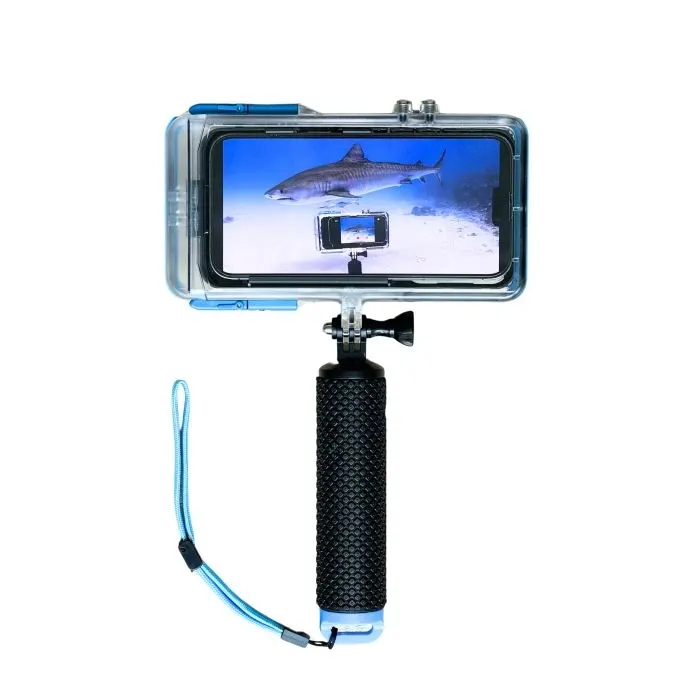
The best camera to travel with is the one you’re comfortable using. For most folks, that camera doubles as their cell phone.
It makes sense. Cell phone cameras are getting better by the day and, in many instances, are an excellent way to capture vacation memories. But if you’re an underwater enthusiast, snapping photos below the surface can get complicated and pricey.
Use Your Phone Underwater
As an avid snorkeler and diver, I own a collection of underwater cameras. Conditions can dictate what’s the best equipment to use. But the reality is, I can only carry so much when I travel, so I’m always looking for opportunities to streamline my gear.
I’m a fan of the ProShot Dive 2.0 - Universal iPhone Case. I recently put it to the ultimate test during a recent trip to Kokomo Private Island Resort Fiji. In and out of the water multiple times a day for nearly a week, the trickiest part might have been remembering to keep my iPhone charged.
Getting Started
Everything you’ll need (with the exception of your phone) arrives in a convenient, compact carrying case. The underwater housing is essentially three pieces: two pieces envelope your iPhone, and a floating hand grip attaches using GoPro-compatible mounts.
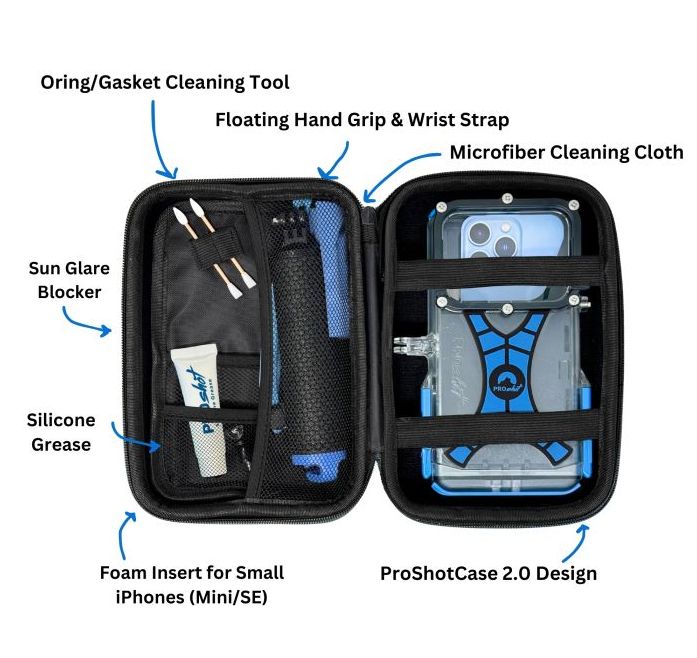
Before you hit the water, you’ll need to put the complimentary ProShotCase app on your iPhone. The app is used for all underwater photography and filming. It provides camera functionality such as zoom control, photo, video, and sleep modes, using only your iPhone’s volume buttons.
I found the written instructions on how to put my iPhone into the underwater housing clear and easy to follow. ProShot also offers an online video tutorial.
ProShot Dive 2.0 is Straightforward and Easy to Use
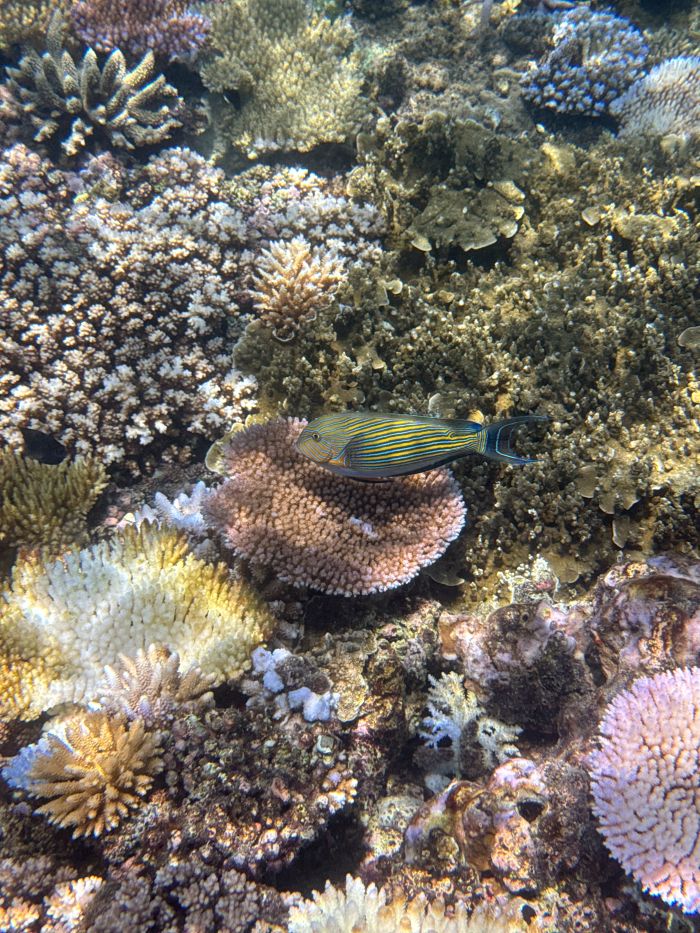
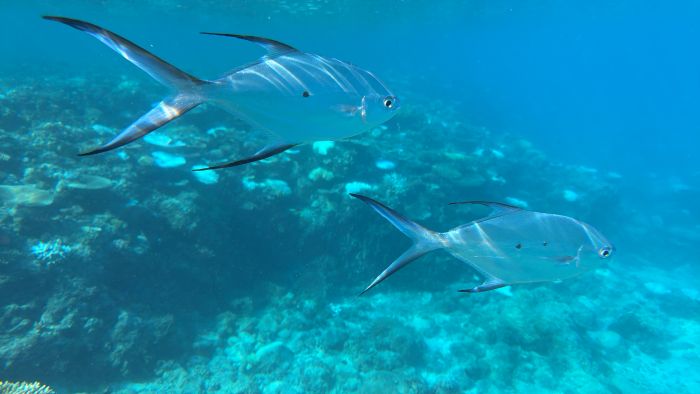
I chose my first plunge with the ProShot Dive 2.0 case carefully, walking into the water from the beach at Kokomo. Once submerged in shallow surf, I watched closely for any signs of leakage while using the two buttons on the case to practice toggling between the photo and video functions. I didn’t plan on taking many photos, but thanks to some especially charismatic smallspotted dart fish and Kokomo’s striking house coral reef, I was off and snorkeling in what seemed like no time.
On my first venture into the water, I captured great images, and my phone stayed perfectly dry. The grip is large enough to feel secure and comfortable. (A wrist strap is also included.) The buttons are easy to use, but you will need two hands. One to hold the actual grip and the other to press the buttons to take photos and video.
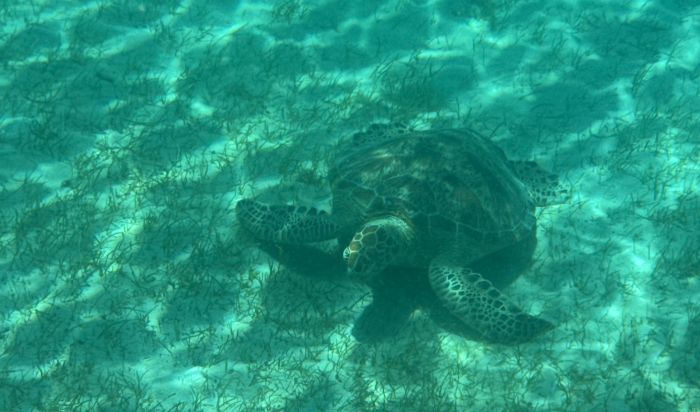
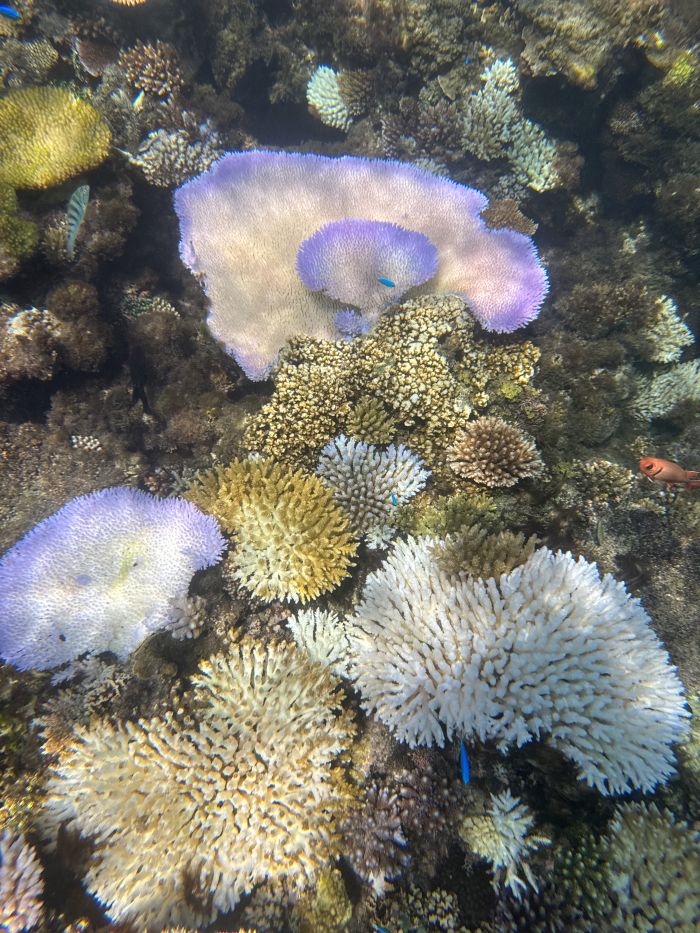
Over the course of more days, I used the ProShot Dive 2.0 case to capture moments with rays, turtles, and a rainbow of corals. All images and footage are saved directly to your iPhone's camera roll, making it quick and easy to relive your time underwater.
Overall, it’s an incredibly simple and easy-to-use setup that delivers quality imagery.
Good to Know
The ProShot Dive 2.0 case is waterproof down to 130 feet (40 meters). I didn’t have the opportunity to dive below 20 feet, but I will within the next couple of months. Stay tuned for more.
Just like any gear that spends time in salt water, you should rinse it thoroughly with fresh water after use.
I did notice that my iPhone was warmer than usual when I removed it from the underwater housing. I suspect that was a combination of housing constraints and Fiji water temperatures that hovered in the mid-80s.
The newest version of the ProShot Dive 2.0 case is compatible with all iPhones, including the iPhone 17 Pro and 17 Pro Max. Cost is $144.99 on the ProShot website. A trio of custom red filters is available for an additional $25. I didn’t test it, but there is also a ProShot Dive Case for Android users.
ProShot includes a one-year guarantee on their products and the smartphones used inside them.
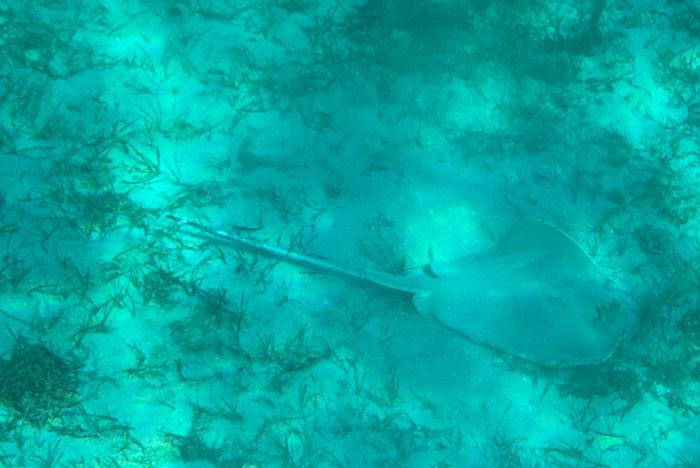
All images included in the review were taken by me while testing the ProShot Dive 2.0 case using an iPhone15 Pro Max. The photograph of the ray was captured using no filter; I used the pink ProShot filter (recommended for snorkeling) for all other images.
The sea turtle and ray were both resting on the ocean floor, approximately 20 feet away from me, so light was limited. Light was abundant and I was able to get much closer when I snapped images of the coral.